Showing posts with label animation. Show all posts
Friday, 9 March 2012
Friday, 2 March 2012
Animation Club (2nd March)
Today in Animation Club the children have been using a program called Myths and Legends.
Here is the website - http://myths.e2bn.org/story_creator/
Photographer - Liam
Luke also taught Mrs Warner how to use Scratch.
Here is the website - http://scratch.mit.edu/ Ask permission before downloading
Scratch is a programming language that makes it easy to create your own interactive stories, animations, games, music, and art -- and share your creations on the web.
As young people create and share Scratch projects, they learn important mathematical and computational ideas, while also learning to think creatively, reason systematically, and work collaboratively.
We will all be having a go with Scratch next week, but if you want a head start, download and get programming!
Here is the website - http://myths.e2bn.org/story_creator/
Photographer - Liam
Luke also taught Mrs Warner how to use Scratch.
Here is the website - http://scratch.mit.edu/ Ask permission before downloading
Scratch is a programming language that makes it easy to create your own interactive stories, animations, games, music, and art -- and share your creations on the web.
As young people create and share Scratch projects, they learn important mathematical and computational ideas, while also learning to think creatively, reason systematically, and work collaboratively.
We will all be having a go with Scratch next week, but if you want a head start, download and get programming!
Friday, 3 February 2012
Animation Club 3rd February
Friday, 27 January 2012
Friday, 6 January 2012
Animation Club
It was lovely to see some new and familiar faces in Animation club today. We worked with Pivot Stickfigure and produced some simple animations.
Here they are in action using PIVOT click here to download the program (remember to ask for permission first)
Everyone worked really hard this afternoon. I'm looking forward to our next session already.
Here they are in action using PIVOT click here to download the program (remember to ask for permission first)
| Making a background to load into Pivot |
| Searching for suitable backgrounds to use |
| Making the animation |
| Drawing backgrounds |
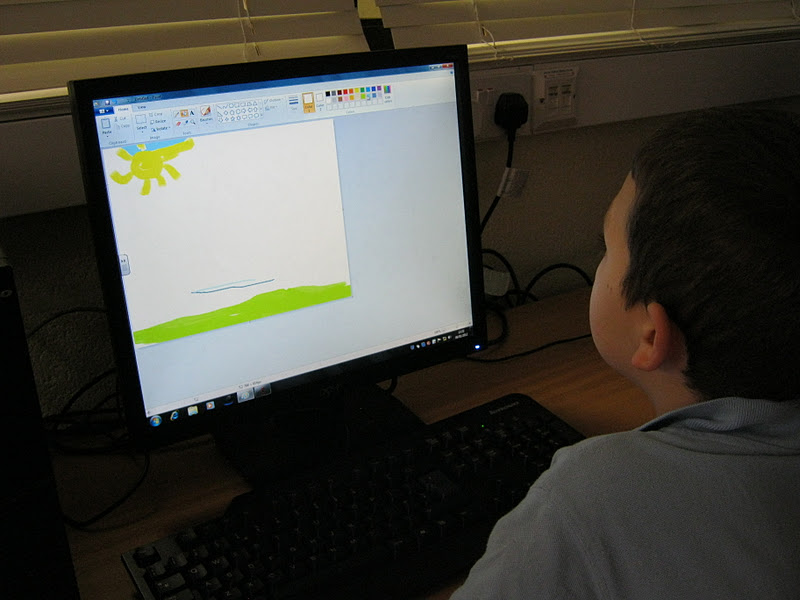
| Using Paint |
| Animating over a background |
Subscribe to:
Posts (Atom)